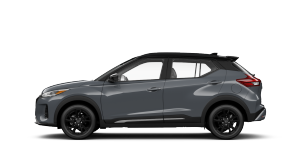
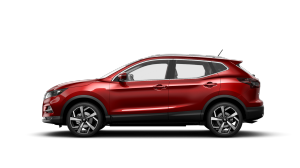
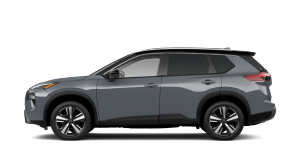
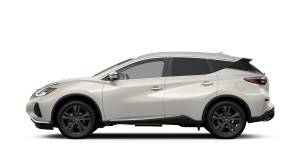
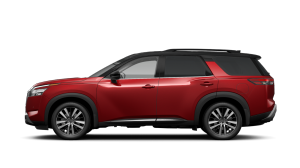
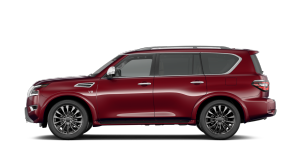
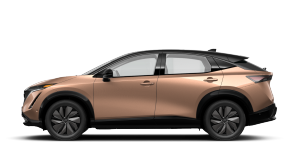
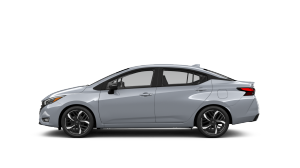
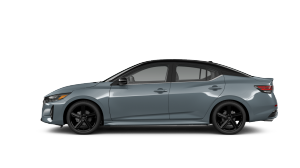
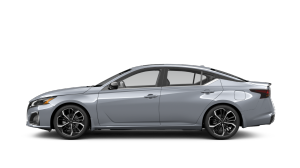
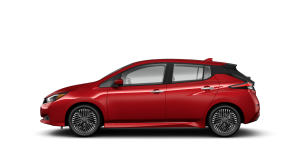
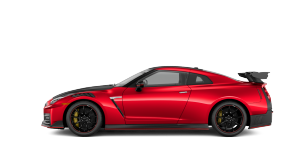
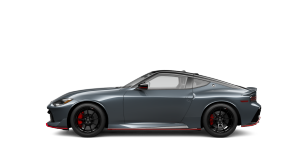
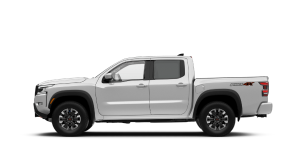
Now you can reserve a Nissan online in a few simple steps. Learn more about how this new service works and get started today. [[1744]]
The 2026 Nissan ARIYA fully electric SUV invited you to see electric charging in a whole new light. It’s a force of wonder.
It’s time to take charge. Discover the instant acceleration, impressive range and nimble handling of the all-electric.
Schedule a service with us today and let us deliver all your auto maintenance and service needs.
Please click on the following link: https://www.nissan.ca/service/vin-recall.html
Please click on the following link: https://service.nissan.ca/en/maintenance-schedules
If you receive a recall letter after completing the repair mentioned on the recall letter, you may be eligible for a reimbursement. Please contact your local Nissan Dealership to get assistance in submitting a claim for reimbursement.
For immediate assistance anywhere in Canada or the continental U.S., visit https://nissan.roadsideaid.com or call our 24-hour help line on 1-800-267-5936.
Please click on the following link to submit a claim: https://nissan.roadsideaid.com
Please click on the following link for coverage information: https://nna.secure.force.com/support/NissanRSA
Please refer to our Nissan Connect FAQS: https://www.nissan.ca/services/nissan-connect/support-faqs.html
Please click on the following link: https://nissan.navigation.com
There are several features that you will only find with NissanConnect Services, the safety telematics system. This gives you automatic collision notification, roadside assistance, emergency calling, stolen vehicle locator, alarm notifications, vehicle health reports, and maintenance reminders. The Premium version also gives you help with speed alert, curfew alert, valet alert, boundary alert, remote flashlights and sound horn, remote door lock and unlock, and remote engine start. The Premium Plus version of Services adds journey planner, destination download, assisted search, connected search, and Google Send to Car.
For more information on NissanConnect, please click on the following link: https://www.nissan.ca/services/nissan-connect.html
Please click on the following link to get more information on Apple Carplay: https://www.nissan.ca/services/nissan-connect/support-faqs.html
Once you have ensured that you meet all the compatibility requirements, turn on your vehicle and connect your phone using a USB cable. Follow the instructions that appear on your phone and your vehicle's touch screen - you may also need to touch the Android Auto™ icon on your vehicle's screen if it did not switch over automatically. Once you have accepted the terms and safety message, you will be ready to use Android Auto.
For more information, please click on the following link: https://www.nissan.ca/services/nissan-connect/support-faqs.html
Use the link below to download the Nissan warranty Information book for your particular vehicle: https://www.nissan.ca/owners/warranty.html
Yes, you can buy a certified pre-Owned extended service as long as the vehicle is within 72 months/120,000 km.
Explore our range of packages and plans to discover the one that’s right for you by clicking the following link: https://www.nissan.ca/owners/extended-protection-plans.html
Yes, you can. A new extended service can be bought on a vehicle as long as the vehicle is still within the 36 months/50,000 km of factory warranty.
Explore our range of packages and plans to discover the one that’s right for you by clicking the following link: https://www.nissan.ca/owners/extended-protection-plans.html
An Added Security Plan can be transferred to the new vehicle owner, but in most cases the plan does not transfer automatically when the vehicle ownership is changed. Also, the added security plan cannot be transferred to a different Vehicle Identification Number.
The transfer of the plan must be done within 30 days of the transfer of the vehicle ownership. You must visit your local Nissan dealership to request an ASP transfer. A transfer form must be signed by the original plan holder.
The form is available at your local Nissan dealership.
To locate your local Nissan dealership, please click on the following link: https://www.nissan.ca/service/service-maintenance/dealer-locator
For more information regarding your leased or financed account, you may contact Nissan Canada Finance at 1-800-268-6499. Visit: https://www.nissan.ca/finance/leasing-and-financing-options/finance-options.html
Nissan Canada Finance Customer Service is available Monday through Friday, from 9:00 a.m. to 5:30 p.m., Eastern Standard Time.
To register your recently purchased Pre-Owned Nissan, you may click on the following link: https://ncfifs.my.salesforce-sites.com/support/ContactUsNissan?ownershipChange
To update your address, please click on the following link: https://ncfifs.my.salesforce-sites.com/support/ContactUsNissan?addressChange
The first step would be to review the requirements with the Ministry of Transportation and with the Environment Canada.
For more assistance, you may contact our Customer Care Centre on 1-800-387-0122.
To find helpful how-to videos, please visit our YouTube Channel by clicking on the following link: https://www.youtube.com/user/nissancanada/featured
To update ownership information, please click on the following link: https://ncfifs.my.salesforce-sites.com/support/ContactUsNissan?ownershipChange